In today’s digital learning world, educators need tools that engage students, support formative assessment, and make lessons more interactive and effective. JoinPD — powered by Pear Deck — has emerged as one of the leading platforms that transform traditional slide presentations into immersive learning experiences. This complete guide explores everything about JoinPD: what it is, how to use it, its key features, benefits, assignment types, integration options, and best practices for teachers and students in 2026.
According to Pear Deck Learning, over 14.2 million students engaged in lessons using Pear Deck in the 2022–2023 school year alone — a powerful indicator of its adoption in classrooms around the world.
What is JoinPD (Pear Deck)?
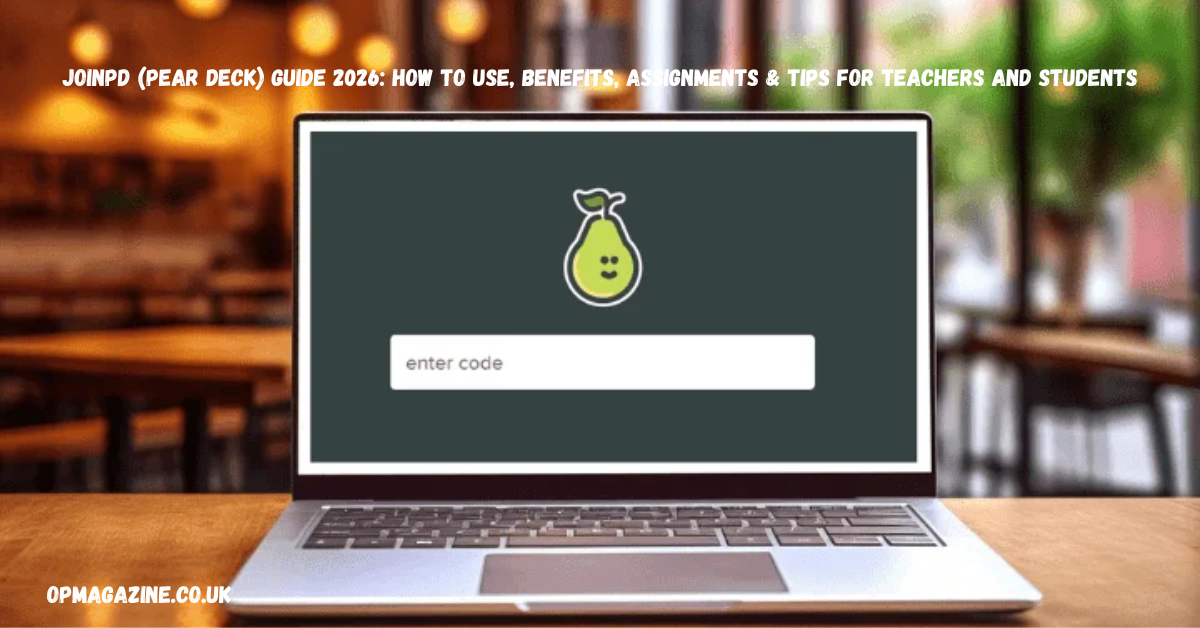
JoinPD is a gateway that connects students and educators to Pear Deck’s interactive presentation platform. Technically, when users visit joinpd.com, they’re redirected to app.peardeck.com/join, where students enter a session code to participate in presentations created by teachers.
At its core, Pear Deck allows educators to augment traditional slide decks — whether on Google Slides or Microsoft PowerPoint — with interactive elements like quizzes, polls, text responses, and drawing activities. This turns passive slide viewing into a dynamic interactive experience, suitable for in‑person, hybrid, or fully remote classrooms.
Why Pear Deck/JoinPD Exists
- To replace one‑way lecture slides with two‑way interactive learning.
- To give teachers real‑time insight into student understanding.
- To support differentiated instruction and varied learning styles.
In short, JoinPD is not a separate tool but a user access point for interactive sessions created in Pear Deck — essentially bridging teachers’ presentations with student participation devices.
Features of JoinPD
JoinPD delivers a robust suite of features designed to help educators craft engaging and responsive lessons. These features increase participation, allow instant evaluation, and support a wide range of learning activities.
Real‑Time Interaction and Engagement
Teachers can pose questions directly in a presentation, and students can respond using any internet‑connected device. This interplay encourages active participation and immediacy in learning.
Student‑Paced Learning
Teachers can set lessons to run at the pace of the students. This is especially useful for asynchronous learning modules, enabling learners to absorb content at their speed while ensuring comprehension.
Anonymous Responses
JoinPD supports anonymous student responses, which encourages participation from students who may be hesitant to answer aloud or be identified.
Engagement Tools: Drawing, Text, Multiple Choice, Draggable, Web Activities
The platform includes multiple interactive formats:
- Drawing responses: Students illustrate ideas or annotate directly.
- Text responses: Open‑ended answers for deeper thinking.
- Multiple choice: Quick comprehension checks.
- Draggable and web activities: Learners interact with objects on slides or explore embedded web resources.
Seamless Integrations
- Google Slides: Direct add‑on support lets teachers embed interactive questions into slides.
- Microsoft PowerPoint: Add‑in support allows the same interactivity in PowerPoint decks.
These integrations make transition easy for educators who already use these platforms as part of their workflow.
Data Tracking & Analytics
Through Pear Deck’s teacher dashboard, educators can monitor individual and class performance, track participation, and identify areas for review. These insights help tailor instruction and provide targeted support.
Customization Options
Teachers can customize backgrounds, interactive elements, and pacing modes — enhancing both visual appeal and pedagogical effectiveness.
How to Use JoinPD
Using JoinPD (Pear Deck) is straightforward once you understand the system. It begins with account setup and ends with engaging learners in dynamic sessions.
Creating an Account
Educators and students can create Pear Deck accounts using email, Google, or Microsoft credentials. Once logged in, teachers have access to dashboards where they can build and manage presentations.
Teacher vs Student Accounts
- Teacher Accounts: Create lessons, add interactive elements, and monitor responses.
- Student Accounts: Join sessions using a unique code and interact with presentations.
How to Join a Session with an Access Code
- Students go to app.peardeck.com/join (via their browser or app).
- Enter the 5‑digit code provided by the teacher.
- Participate in the session in real‑time.
If a code expires — typically after a few days or when the session ends — students will need a fresh code from the instructor.
Step‑by‑Step Guide to Making a Presentation
- Log into your Pear Deck account.
- Import or create a slide deck using Google Slides or PowerPoint.
- Add interactive elements using the Pear Deck add‑on or tools.
- Launch the presentation live and share the access code with students.
- Monitor student engagement through your teacher dashboard.
Using JoinPD with Google Classroom and Schoology
With Google Classroom integration, teachers can assign Pear Deck activities directly to classes and collect responses within the Google Classroom interface. Pear Deck also supports major LMS platforms like Schoology and Canvas for seamless classroom management.
Tips for Efficient Presentation Management
- Prepare your deck ahead of time and test interactive elements.
- Use mixed types of questions (multiple choice + drawing).
- Encourage thoughtful student responses by spacing activities evenly.
Six Types of Formative Assignments in JoinPD
One of JoinPD’s strengths is its support for varied formative assignments — useful for assessing learning continuously and promoting deeper engagement.
1. Drawing Assignments
Allow students to draw diagrams, mind maps, or illustrate answers. This is especially useful for science, geography, and creative subjects.
2. Multiple Choice Questions
Ideal for quick comprehension checks, formative assessments, or polls. Teachers can instantly view class‑wide understanding.
3. Number Assignments
Useful in math and science settings where numerical answers are necessary. Students input values directly on the slide.
4. Text Responses
Open‑ended questions give space for explanations or written reflections, promoting higher‑order thinking.
5. Web Activities
Embed web elements or resources to prompt research‑based tasks or guided exploration.
6. Draggable Activities
These interactive drag‑and‑drop elements enhance engagement and make abstract concepts more tangible.
Together, these assignment types make JoinPD a rich formative assessment platform, not just a presentation tool.
Benefits of JoinPD for Teachers and Students
The benefits of JoinPD (Pear Deck) are widespread — from increased engagement to enhanced learning outcomes.
Enhanced Student Engagement
Interactive elements keep students involved throughout the lesson. Instead of passively watching slides, learners respond, discuss, and participate actively.
Instant and Formative Assessment
Teachers can check understanding in real‑time — adjusting instruction on the spot if needed. This quick feedback loop ensures misconceptions are addressed promptly.
Supports Personalized Learning
With student‑paced lessons and varied activity formats, educators can tailor activities to suit individual learning needs.
Collaboration and Communication
Peer interaction is enhanced through group responses, shared workplaces, and interactive questions — supporting both communication skills and team learning.
Data‑Driven Instruction
Using Pear Deck’s analytics, teachers can identify trends in student responses and plan follow‑ups accordingly. This is useful for differentiated instruction and targeted intervention.
Ease of Use and Time Savings
Pear Deck’s ability to turn existing slides into interactive activities saves time and reduces preparation effort for educators.
Inclusivity in Learning
Anonymous responses and varied activity modes make the classroom comfortable for all students — including those who may be reluctant to speak up publicly.
JoinPD for Other Users Beyond K–12
While primarily used in K–12 and higher education, JoinPD / Pear Deck also supports:
- School administrators and instructional coaches
- Librarians and media specialists
- Corporate trainers and professional development facilitators
These users leverage Pear Deck for presentations, workshops, and training sessions with interactive participation elements.
JoinPD Mobile App
JoinPD’s mobile access via the Pear Deck app allows on‑the‑go participation and presentation management. Available on both iOS and Android, the app delivers most of the features found on desktop, optimized for handheld interaction.
Key Mobile Features
- Interactive display for student responses
- Real‑time feedback
- Student‑paced learning
- Integration with Google Slides
- Easy access to presentations via session codes
These capabilities make the Pear Deck mobile experience valuable for contemporary hybrid learning environments.
FAQs
Q: What is JoinPD?
A: JoinPD is the entry portal where students enter a code to participate in interactive lessons created in the Pear Deck platform.
Q: How does Pear Deck work?
A: Teachers integrate Pear Deck with slide presentations, add interactive components, and students join live sessions via a code — participating in discussions, quizzes, and activities.
Q: Is Pear Deck free?
A: Yes, Pear Deck offers a free plan with basic interactive features; premium plans unlock advanced features such as advanced tracking and teacher analytics.
Q: Can Pear Deck be used outside education?
A: Yes — trainers, corporate facilitators, and workshop leaders use Pear Deck for interactive presentations and engagement sessions.
Q: Does Pear Deck integrate with Google Slides and PowerPoint?
A: Absolutely — it integrates seamlessly with both platforms, making it easy to enhance existing presentations.
Conclusion
JoinPD (Pear Deck) is more than a presentation tool — it’s a comprehensive interactive learning system that enhances student participation, supports real‑time assessment, and makes lessons more meaningful. With millions of students engaging with Pear Deck content each year, its adoption reflects a broader shift toward interactive and student‑centered learning.
Whether you’re a teacher aiming to boost engagement, a student seeking a more active learning experience, or a trainer looking for collaborative tools, JoinPD empowers you with the tools needed to make learning interactive, inclusive, and effective in 2026 and beyond.
Leave a Reply